



The Ultimate Guide to the Apple Magic Keyboard: Features,
The Apple Magic Keyboard has become a must-have accessory for those seeking enhanced productivity and comfort. Whether you’re a writer, designer, or casual user, this sleek and powerful keyboard offers a seamless typing experience that can transform your workflow. But what makes it so special? In this blog, we’ll dive deep into the features, answer common questions, and provide insights that will help you decide if the Apple Magic Keyboard is the perfect addition to your setup.
What Makes the Apple Magic Keyboard Stand Out?
The Apple Magic Keyboard is more than just an ordinary keyboard—it’s an upgrade to your typing and user experience. Let’s start with the key features:
- Sleek Design: Apple’s signature minimalist design shines through in the Magic Keyboard. It’s incredibly thin, lightweight, and portable, making it perfect for those on the go.
- Responsive Keys: The scissor mechanism beneath each key improves stability, comfort, and precision while typing, reducing the amount of pressure needed with each stroke.
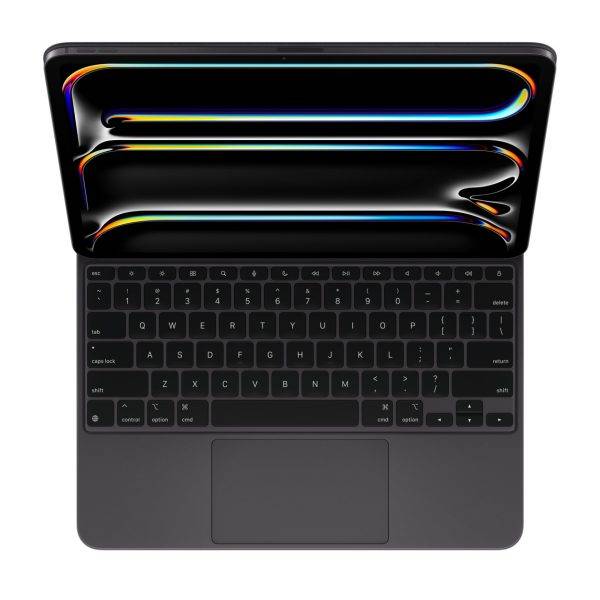
- 14-Key Function Row: The Magic Keyboard includes a 14-key function row for quick access to screen brightness, volume controls, and other features, allowing you to easily manage your device without interruption.
- Long Battery Life: With a rechargeable internal battery, the Apple Magic Keyboard can last up to a month or more on a single charge.
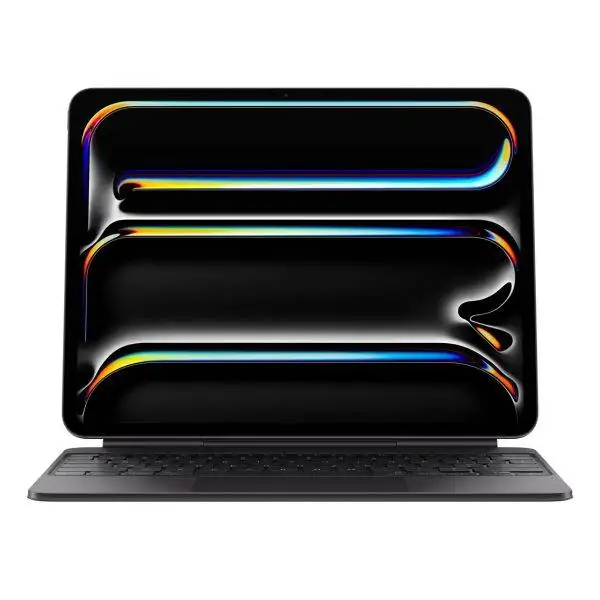
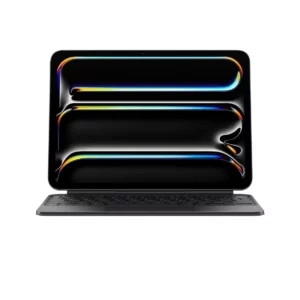
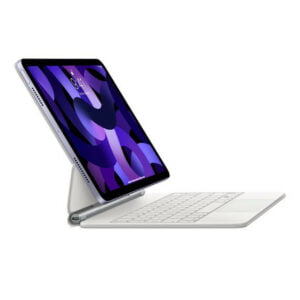
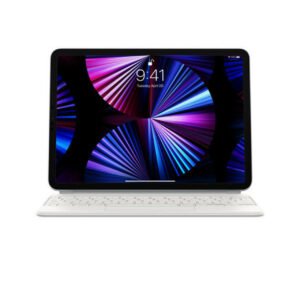
- Compatibility: It pairs effortlessly with various Apple devices, including Mac, iPad, and even iPhones, offering flexibility in its use. Notably, the Magic Keyboard for iPad Pro 13-inch (M4) provides a desktop-like experience for your iPad.
Why You Should Consider the Apple Magic Keyboard for Your Workflow
There are plenty of reasons why the Magic Keyboard is worth adding to your toolkit, especially if you work long hours at your desk. Here’s why:
1. Comfort is Key
Typing for long periods on poorly designed keyboards can strain your hands and wrists. Apple’s Magic Keyboard features low-profile keys that reduce strain and allow for faster, more accurate typing. It’s perfect for writers, coders, and anyone who spends hours typing.
2. Seamless Apple Ecosystem Integration
If you’re already in the Apple ecosystem, this keyboard will work like a charm. Its instant Bluetooth connectivity ensures that it pairs quickly and efficiently with your devices. You can switch between your Mac, iPad, and even iPhone without any hassle.
3. Durability
The Magic Keyboard is built to last. Its aluminum frame and high-quality materials mean that you’re investing in something durable, making it cost-effective in the long run.
4. Portable and Lightweight
At only 0.23 kg, the Magic Keyboard is incredibly portable. Slip it into your bag, and you’re ready to work from anywhere. This portability is particularly useful for freelancers and business professionals who travel frequently.
5. Improved Productivity
With features like function keys for quick access to volume, brightness, and mission control, you’ll spend less time fumbling around and more time getting work done.
Conclusion: Is the Apple Magic Keyboard Right for You?
Whether you’re a professional, student, or casual user, the Apple Magic Keyboard offers a premium typing experience that can elevate your productivity. Its sleek design, portability, long battery life, and seamless integration with Apple products make it a standout choice.
If you’re tired of cheap, unreliable keyboards and want something that not only feels great to type on but also looks good on your desk, the Apple Magic Keyboard is worth every penny. For those interested in the magic keyboard price in Pakistan, make sure to check your local retailers for the best deals before you purchase.
Overview
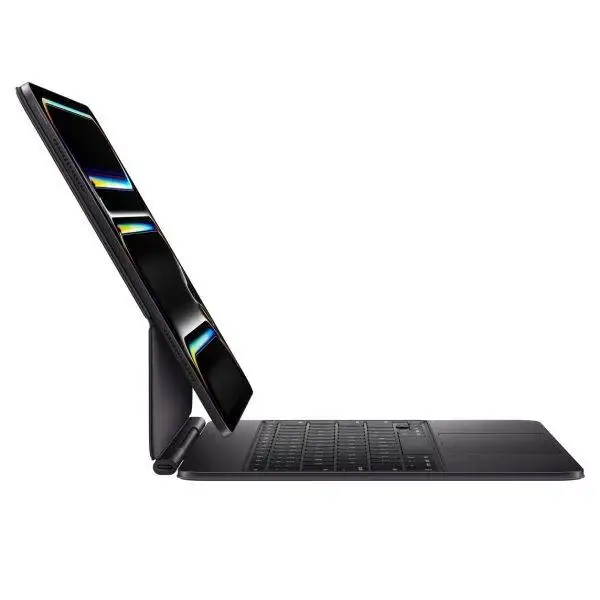
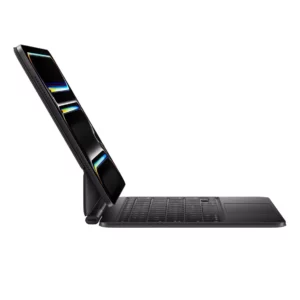
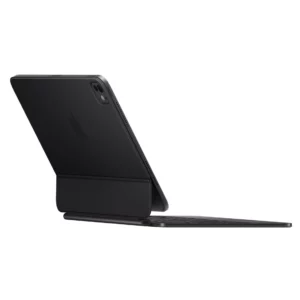
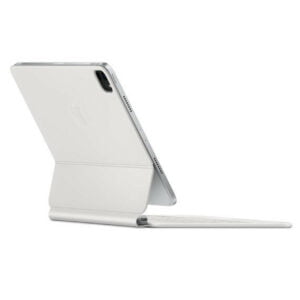
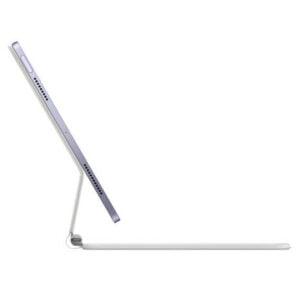
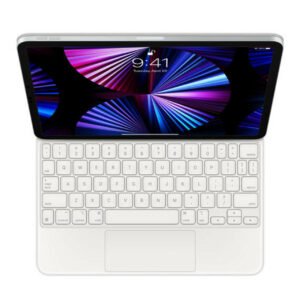
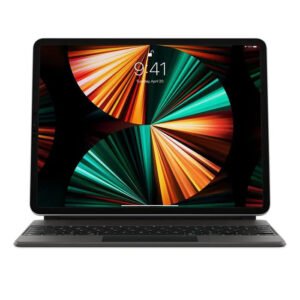
Magic Keyboard for iPad Pro 11‑inch M4 delivers an amazing typing and track pad experience in a sleek, portable new design with an aluminum palm rest. The keyboard includes a 14-key function row for quick access to screen brightness, volume controls, and other features, and a USB‑C connector for pass-through charging. The floating cantilever design smoothly adjusts to multiple viewing angles.
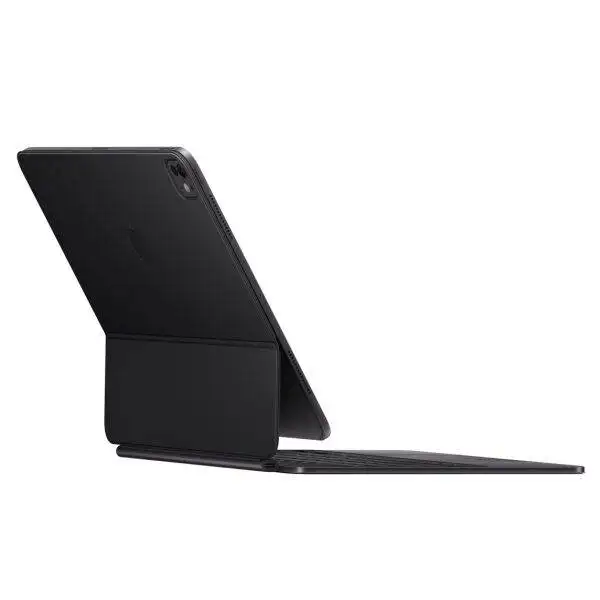
A new larger track pad with haptic feedback is perfect for precision tasks like editing a spreadsheet and selecting text, or simply navigating your iPad with intuitive and familiar Multi-Touch gestures. And a durable outer cover provides front and back protection, perfect for taking iPad Pro anywhere.
Highlights
Thin and portable cantilever design provides smooth adaptability and delivers the perfect viewing angle.
Built-in larger glass track pad with haptic feedback.
14-key function row for quick access to screen brightness, volume controls, and other features.
Comfortable backlit keys and a scissor mechanism with 1 mm travel for quiet, responsive typing.
Designed for Multi-Touch gestures and the cursor in iPadOS.
Durable machined aluminum hinge includes a USB‑C connector.
Folds into a case to provide front and back protection for traveling with iPad Pro.
System Requirements
iPad Pro 11-inch (M4) running iPadOS 17.4 or later.

Reviews
There are no reviews yet.